Lab: Objects and Collaboration
Due: Wednesday, October 28 at 11:59pm · Worth: 6 points
Build the accounts and posts for a small social feed, then share the change in a pull request. Users need followers; posts need likes, hashtags, and readable text. The classes earn all 6 points, with each constructor and method checked independently. The feed rehearsal and pull request are ungraded practice.
Start
Create lab-objects from the starter template, clone your copy, and open it in VS Code. A starter ZIP is also available; follow the first lab’s repository workflow if you need help publishing it.
A Branch for the Feature
After publishing the initial commit, create a branch for your implementation:
$ git switch -c implement-classesOpen lab_classes.py and feed_rehearsal.py. The first holds the methods to complete; the second shows how the feed will call them.
Starting Data
Each new account or post needs its own initial state. The reading’s constructor example shows how __init__ stores values on self, the instance Python is creating.
An Account to Follow
Complete User in lab_classes.py:
Check a sequence of two follows and one unfollow: it should leave one follower. Then unfollow twice more. What should the count be? Create a second user and confirm that changing the first user’s count leaves the second unchanged. The reading covers methods that change an instance.
A Post to Like
Complete Tweet:
Use string operations from the earlier labs. For example, the starter’s doctests check behavior like this:
>>> Tweet('alice', 'learning #python and #oop #python').hashtags()
['python', 'oop', 'python']
>>> Tweet('bob', 'just a normal tweet').hashtags()
[]
Readable Accounts and Posts
Implement __str__ so an account displays as '@alice' and a post as '@alice: hello world'. Return the formatted string from the method.
Implement User.__eq__ so users with the same username compare equal, regardless of their follower counts; different usernames compare unequal. The same account loaded twice from a database should still compare equal. See the reading on dunder methods, which define behavior for operations such as print and ==.
An Announcement in the Feed
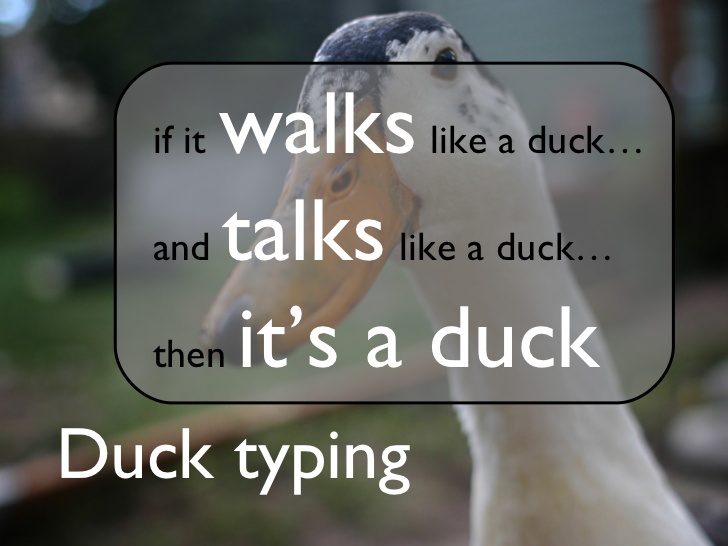
The rehearsal includes an Announcement as well as a Tweet. Find its show(post) function and identify the attribute both objects must provide. Neither class needs to inherit from the other. This is duck typing: the function uses the operations its argument supports.
Check the Feed
Run the doctests after each method, then try the supplied feed:
$ python -m doctest lab_classes.py
$ python feed_rehearsal.py
No doctest output means the published examples pass; Gradescope also checks new inputs. The rehearsal should show @alice, counters that stop at zero, and ['python', 'games', 'python'] as the game-night post’s hashtags. Its final two messages should be the tweet and the announcement.
If a method is unfinished, the rehearsal reports the exception and continues. Use that message or an unexpected result to find the method that needs work, then rerun its doctests.
The Class Design
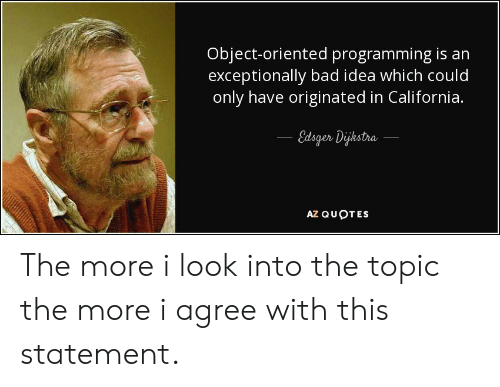
Each class groups data with operations that use it: followers belong to a user, likes to a tweet. A standalone function can handle work that does not need that shared state. Edsger Dijkstra had stronger objections to OOP:
Submit
Commit and sync lab_classes.py, then use Gradescope’s GitHub option to submit your lab-objects repository and the branch containing your work to lab-objects. You may resubmit as you complete more methods.
Grading Rubric
Gradescope checks each item separately and adds the points earned.
Total: 6 points.