Final Project: Twitter Clone
Due: Wednesday, December 16 at 11:59pm · Worth: 62 points (+44 extra credit; maximum 106/62)
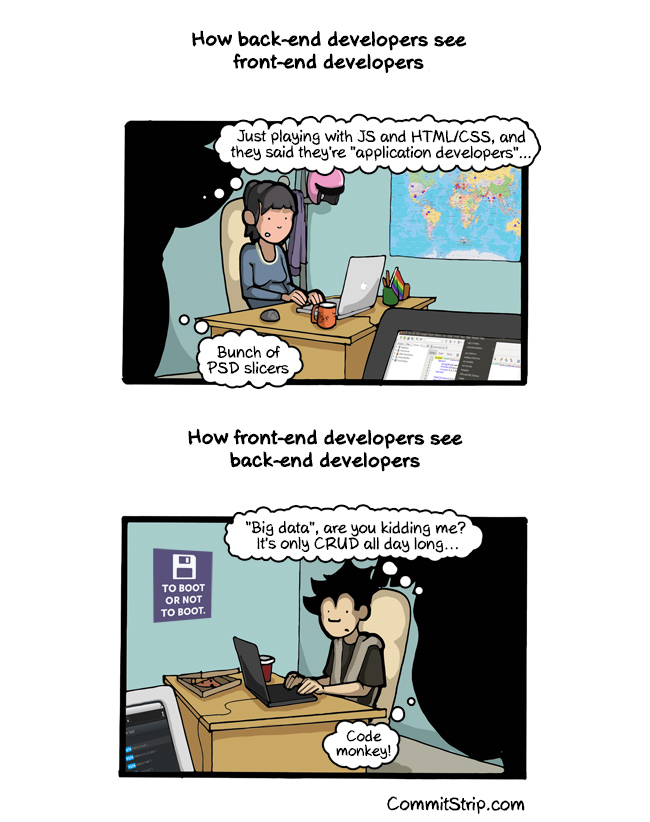
For the final project, you will build a small Twitter-like site where people sign up, log in, post messages, and read a shared feed. Your Python web server will generate the pages and store the data in a database. The project includes both the front end and the back end shown in the comic.
Live demo: Wednesday, December 16, 2:00–5:00pm, during the official final-exam slot; see Submit below.
Start
This project opens during SQL week, before the backend lab. Start by saving the SQL reading’s database checkpoint, choosing a community for your site, and selecting a set of features below. The FastAPI lab then builds the feed and menu in twitter-clone. After that milestone, continue on that repository’s default branch. Leave the lab’s lab-submission branch unchanged. Activate that repository’s Python environment and install its declared dependencies. Keep the lab’s db_create.py and schema.sql in this folder. Near the top of app.py, call the initializer before registering routes:
from db_create import initialize_database

initialize_database()
On a fresh checkout it creates the local database from your schema; subsequent starts preserve the existing file. If you change the schema for an optional feature, update both the initializer’s SQL and your practice database deliberately. Deleting social.db would discard its accounts and posts.
Start the server from the folder containing your app module:
$ python -m pip install -r requirements.txt
$ python -m uvicorn app:app --reload
Replace app:app if your module or app variable has another name; use the same names in submission.toml. Open http://127.0.0.1:8000/ in your browser and leave the server terminal running while you work. Install uvicorn in this environment if Python reports that the module is missing, and include it in your development requirements.
Learning Objectives
Build the Site
Extend the FastAPI app from the backend web development lab. The project uses Python across several files, a sqlite3 database, Jinja2 templates, CSS, and SQL.
The required site creates accounts and messages and reads the feed. Optional editing and deletion add the remaining operations of CRUD: Create, Read, Update, and Delete. Choose the operations that fit the site you want classmates to use.
Build one complete request at a time: render a form, accept its POST, save the data, then redirect to a GET page. The backend reading’s login example shows RedirectResponse('/', status_code=303) for that last step. Test with two accounts in separate browser profiles or a private window so you can check that one account cannot change the other’s posts. As a local persistence self-check, restart the server and check that accounts and messages remain in SQLite. The automatic rubric checks behavior during one running app session; it does not award separate restart-persistence points. If a form returns HTTP 422, compare its input name attributes with the names your handler expects; if a route returns HTTP 500, read the traceback in the server terminal.
Grading Rubric
All points are automatic. The project is graded out of 62 points: 34 required points, plus your choice of 72 available optional points. Completing every graded feature earns 106/62. For 62/62, complete the 34 required points and choose 28 optional points. Further optional points provide extra credit. The grader starts the submitted FastAPI app offline, creates separate accounts, and exercises the routes with fresh data. No API keys, public deployment, screenshots, or live demonstrations are needed for credit. The class demo remains a chance to share your work; presentation quality does not affect the score.
Required Tasks (34 points)
There are no separate subjective design points or manually applied injection penalties. A server error fails the automatic check that triggered it. Use SQLite, Jinja2, CSS, and multiple Python files to practice the course’s design techniques. Choose your own table names and file organization; the grader checks the behavior above.
Optional Tasks
Choose features that work together before adding routes. These two paths each total 28 optional points; you may also make your own combination from the checklist below.
| Site idea | Features | Optional points |
|---|---|---|
| A club board whose members maintain their posts and profiles | Automatic signup login (4), JSON feed (4), edit posts (4), delete posts (4), password changes (4), profiles (8) | 28 |
| A study-group feed for sharing and finding resources | Clickable URLs (4), automatic signup login (4), JSON feed (4), mentions (8), search (8) | 28 |
The theme can be a real club, a fictional fan community, or anything else you want to show classmates. Names, colors, and visual polish are ungraded. Claim a feature in submission.toml once you have implemented and checked it. All listed checks run automatically.
For editing, deleting, or replying to posts, each post must use <article data-message-id="..."> with its database ID. Declare route patterns with {message_id} and profile routes with {username}. The grader reads those IDs from your app, then submits real requests. For search and replies, any implementation producing the required results is accepted; SQL implementation details are not inspected.
Ungraded Extensions
You can explore public hosting, visual themes, seeded datasets, pagination, FTS5, nested replies, translated interfaces, email password resets, JavaScript updates without refresh, or an AI account. These are practice extensions, with no feature claims or points. Keep graded routes usable offline.
Submit
Add submission.toml at the repository root early, so the submitted paths match the routes you are building. Start with the required app and form mapping, leaving optional claims empty:
[app]
module = "app"
object = "app"
home = "/"
login = "/login"
logout = "/logout"
signup = "/create_user"
new_message = "/create_message"

[forms]
username = "username"
password = "password"
password_confirm = "password_confirm"
message = "message"

[features]
# Add a claim only after that feature works.
All optional field names and feature claims
This reference lists every supported claim and its example route. Copy only the lines for features you implemented into your own manifest.
[app]
module = "app"
object = "app"
home = "/"
login = "/login"
logout = "/logout"
signup = "/signup"
new_message = "/post"

[forms]
username = "username"
password = "password"
password_confirm = "password_confirm"
message = "message"
# These optional form names have the defaults shown:
old_password = "old_password"
edit_message = "message"
description = "description"
query = "q"

[features]
# Keep only the features you implemented:
linked_urls = true
signup_login = true
messages_json = "/messages.json"
mentions = true
markdown = true
delete_messages = "/delete/{message_id}"
edit_messages = "/edit/{message_id}"
delete_accounts = "/delete_account"
change_password = "/password"
user_images = true
profiles = "/user/{username}"
search = "/search"
replies = "/reply/{message_id}"
module is the importable Python module containing your FastAPI app; object is its variable name. Replace example paths and field names with yours. Password changes use forms.old_password, forms.password, and forms.password_confirm. Edits use forms.edit_message (default: your forms.message). Replies use forms.message; profiles use forms.description; search uses the GET query parameter forms.query. All optional mutation routes accept ordinary form data with POST. Message/account deletion requires no additional form fields.
Use the standard library and the provided FastAPI, Starlette, httpx, Jinja2, and python-multipart packages. Initialize the database locally on startup; tests do not contact external services. Commit source, templates, stylesheets, and required local assets, then submit your repository and branch through Gradescope’s GitHub option. The live demo is Wednesday, December 16, 2:00–5:00pm. Show whichever parts you would like classmates to see; your score comes from Gradescope.