Project 3: docchat
Due: Wednesday, November 11 at 11:59pm · Worth: 41 points (+8 extra credit; maximum 49/41)
In this project you will build chat, a command-line program that answers questions about the documents in a folder.
The language model can call four tools to inspect the files: ls, cat, grep, and calculate. Ask “does this project use regular expressions?” and the model can grep the code and answer from what it finds. chat uses retrieval-augmented generation, a method also used by many AI coding assistants.
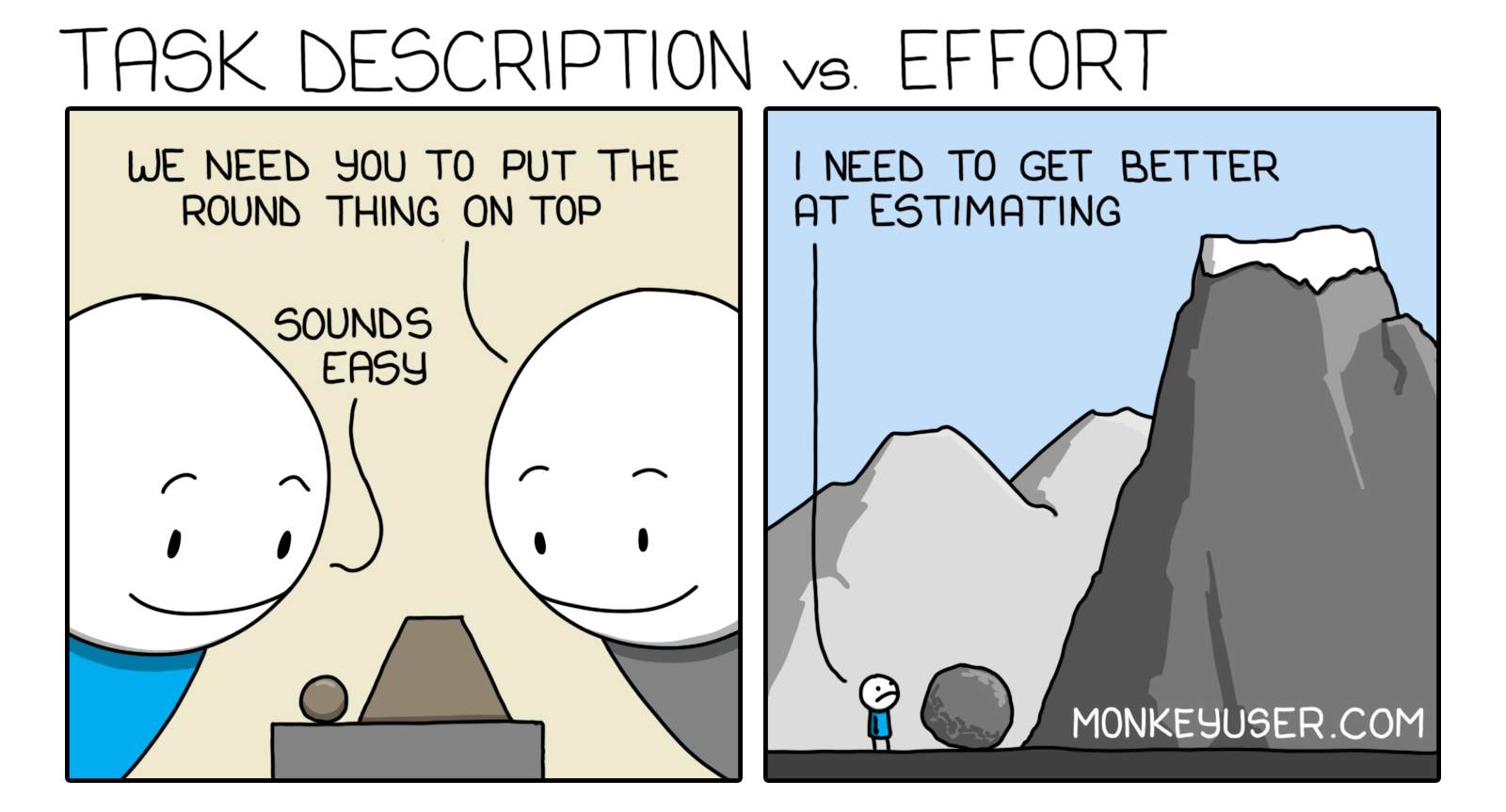
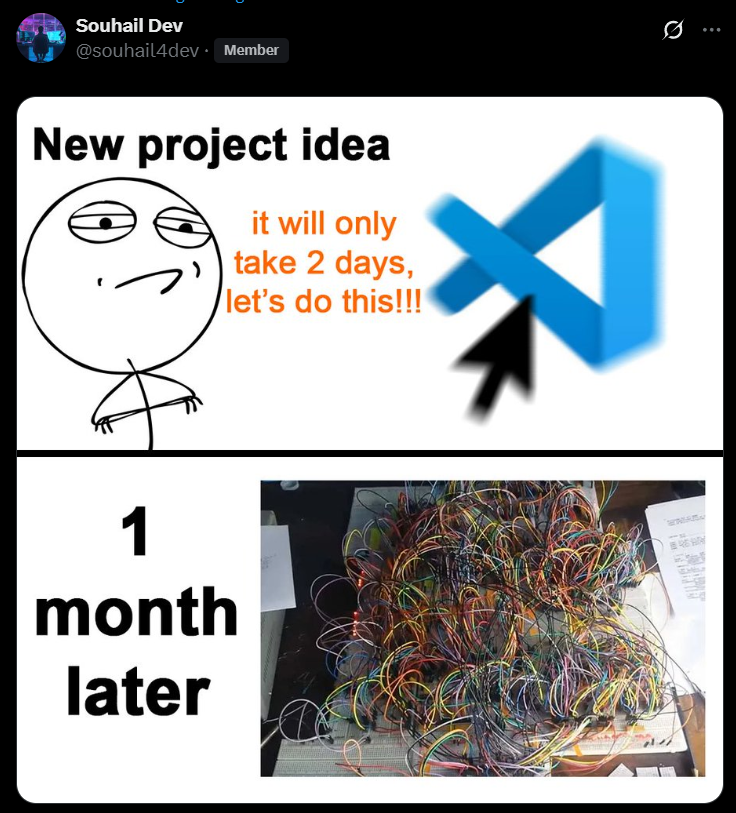
Coding estimates are often too short:
Start
Continue in the independent docchat repository you created for the More Project Setup lab. Before adding new features, confirm that it still meets that lab’s specifications for chat.py, the repl loop, local tests, and packaging. Activate that repository’s Python environment and reinstall after changing its dependencies or command entry point:
$ python -m pip install -e . -r requirements.txtBuild and test the tools locally before connecting them to the model. Manual slash commands should work without an API request, including when the service is unavailable or your quota is exhausted. Create the model client only when it is needed for an ordinary chat message. Move the reading’s top-level client = Groq(...) into your request function; importing tools or using /ls should not require a key.
Learning Objectives
You will keep using this repository: a classmate will contribute to it in a later lab, you will add editing tools in the next project, and you can use it to help write your final project.
Build docchat
Note: You will write your own doctests from the specification below. Translate each requirement into concrete test cases.
One Tool Request, Start to Finish
The reading’s llm helper returned only reply text. A tool-aware chat also needs the model’s tool_calls, so keep the whole returned message until you have checked whether it requests a tool. The sequence is: send the conversation and tool descriptions, receive a tool request, run the named Python function, append its result with the request’s ID, then ask the model for a reply.
Try that sequence locally before adding network calls. Save this ungraded warm-up as tool_roundtrip.py and run python tool_roundtrip.py:
import json


def word_count(text):
    return len(text.split())


functions = {'word_count': word_count}
tools = [{
    'type': 'function',
    'function': {
        'name': 'word_count',
        'description': 'Count words separated by whitespace.',
        'parameters': {
            'type': 'object',
            'properties': {'text': {'type': 'string'}},
            'required': ['text'],
        },
    },
}]
messages = [{'role': 'user', 'content': 'Count the words in game night starts soon.'}]

# Stand in for the model's first reply, which requests a Python function.
request = {
    'role': 'assistant',
    'content': None,
    'tool_calls': [{
        'id': 'example-call-1',
        'type': 'function',
        'function': {'name': 'word_count', 'arguments': '{"text": "game night starts soon"}'},
    }],
}
messages.append(request)
for call in request['tool_calls']:
    name = call['function']['name']
    arguments = json.loads(call['function']['arguments'])
    result = functions[name](**arguments)
    messages.append({
        'role': 'tool',
        'tool_call_id': call['id'],
        'content': str(result),
    })
print(messages[-1])
The program prints:
{'role': 'tool', 'tool_call_id': 'example-call-1', 'content': '4'}The schema describes a callable function; it does not execute it. arguments arrives as JSON text, so json.loads rebuilds a dictionary. functions[name](**arguments) calls word_count(text='game night starts soon'); ** passes the dictionary entries as named arguments. The matching tool_call_id tells the model which request this result answers.
For a live request, pass messages=messages and tools=tools to client.chat.completions.create, using the reading’s model name and a timeout. Its choices[0].message provides attribute access to tool_calls; message.model_dump(exclude_none=True) gives a dictionary you can append to history. After appending the assistant’s request and each tool result, make the next model request with that updated history. Repeat while it requests tools; when it returns ordinary content, save and print that answer. Use the Groq tool-calling guide to connect this sequence to the API.
Keep the warm-up outside the submitted tools directory, or remove it after trying the mechanism. The four tools below replace word_count in your registry. Test their Python functions directly first, then manual slash commands, then an automatic tool round trip using a fake model reply like the one above.
The Tools
Extend the Chat class with four tools the model can call.
-
Hint: Use the
glob.globfunction to list the files.glob.globreturns files in an arbitrary order, so sort them asciibetically before returning them; otherwise your test cases will pass and fail at random. -
Hint: Catch any exception your code might raise. The common ones are
FileNotFoundError(the file isn’t there) andUnicodeDecodeError(the file is there but isn’t a text file). On Windows you may have to handle files encoded in both UTF-16 and UTF-8; on every other machine, UTF-8 alone should be fine. -
Like
cat,grepmust not allow absolute paths or directory traversal attacks (see below).Hint:
re.searchtests whether a string matches a regex. Read the first regex example when you reach this tool. Start with a literal word such asTODO, then try a pattern; the regex lesson develops the same operation in more detail.
Calling the Tools Two Ways
Every tool must be callable in both of the following ways.
-
chat> /ls tools
calculate.py  cat.py  grep.py  ls.py
chat> what files are in the tools folder?
It contains calculate.py, cat.py, grep.py, and ls.py.
/ls toolsruns directly and puts its output into the model’s context. The later question can then be answered without another tool call.This “slash command” syntax avoids an API call and lets the user choose the exact tool. To make it work, modify the
replfunction so that it checks whether the first character of a line is/.Warning: Prove that the manual and automatic tool calls work with doctests and integration tests.
Keep the Tools Inside the Folder
These tools can read files on your computer. Restrict them to the folder where chat was started. None of your tools may allow:
- reading absolute paths (paths that start with
/), or - directory traversal attacks, passing the filename
..anywhere in the path, which would let the model climb out of the project folder and read documents elsewhere.
Use a shared helper function, is_path_safe:
Coding Conventions
-
def do_fancy_string_processing(input_str):
    '''
    This function does a lot of hard, fancy string processing.

    >>> assert do_fancy_string_processing('this is a **super** __hard__ function to implement')
    '''
This test hides the output of
do_fancy_string_processingwithassert. It neither documents the output nor detects changes in behavior.
Install the Tools with the Command
The lab packaged only chat.py. Now include the new tools package. Create an empty tools/__init__.py, then extend the existing setuptools table in pyproject.toml:
[tool.setuptools]
py-modules = ["chat"]
packages = ["tools"]
Keep your existing project name, dependencies, and chat entry point. Use package imports such as from tools.cat import cat inside your code. Reinstall from the repository root:
$ python -m pip install -e . -r requirements.txtBefore trying the previous projects below, run chat from a different folder and try /ls, then end input. On macOS/Linux or Git Bash, Ctrl+D ends input; in PowerShell use Ctrl+Z then Enter. If importing a tool fails, check the package list and reinstall. Gradescope also installs a copy and starts its chat command outside the source repository, without a model request.
Integration Tests
$ git submodule add https://github.com/YOUR_USERNAME/lab-homepage.git test_projects/lab-homepage
$ git submodule add https://github.com/YOUR_USERNAME/markdown-compiler.git test_projects/markdown-compiler
$ git submodule add https://github.com/YOUR_USERNAME/ebay-scraper.git test_projects/ebay-scraper
Replace YOUR_USERNAME with your GitHub username and use your actual repository names. Commit .gitmodules and the three submodule entries. After cloning docchat on another computer, run git submodule update --init --recursive to populate their files.
Your chat program will use these projects as test inputs.
Repository Organization
Hint: Describe what the program does in your README instead of presenting it as a school project.
-
-
Note: The gif should show only your terminal session, not your whole VS Code window. See examples from terminalizer, terminal-demo, and vhs. If you need recording software, this dev.to post gives instructions and links.
-
$ cd test_projects/markdown-compiler
$ chat
chat> does this project use regular expressions?
No. I grepped all of the python files for any uses of the `re` library and did not find any.
or
$ cd test_projects/ebay-scraper
$ chat
chat> tell me about this project
The README says this project is designed to scrape product information off of ebay.
chat> which fields does it save?
The script saves each listing's name, price, condition, shipping cost, returns, and number sold.
Put these examples in their own section of the README, and give a one-sentence explanation of why each example is a good one.
Local Checks
Install the local checking tools, then run your doctests and inspect coverage from the repository root:
$ python -m pip install pytest coverage flake8
$ python -m pytest --doctest-modules tools chat.py
$ python -m coverage run --source=tools -m pytest --doctest-modules tools
$ python -m coverage report -m
$ python -m flake8 chat.py tools --ignore=E501
Cover missing files, invalid text encodings, rejected paths, and empty search results as well as successful reads. Create test files in a temporary directory so the expected results do not depend on files on your computer. Use a raw docstring (r'''...''') when a doctest contains string escapes such as \n; otherwise Python can turn them into newlines before doctest reads the example. Keep model responses out of exact-output doctests: substitute a local fake client that requests a tool, then verify that your next request includes the tool result and its tool_call_id.
Grading Rubric
This project is worth 41 points. There are also up to 8 possible points of extra credit, so it is possible to score 49/41 on this assignment.
The following checklist defines the 41 graded points. Other activities in the instructions are practice:
The 41 automated points come from instructor-owned pytest tests in Gradescope. Model calls are mocked and file tools run only in temporary fixtures, so grading is deterministic, offline, and does not consume your API quota. The grader exercises each tool, automatic tool calls, and manual slash commands, including whether a manual result reaches the next model request. It measures the four required tools’ doctest coverage directly. Student doctests that expect live model responses are not graded against arbitrary canned replies. Run the local checks before submitting your repository on Gradescope.
This project uses the late schedule below instead of the usual doubling penalty. The standard two-day extension for collaboration still applies.
| Days late | Standard policy | This project |
|---|---|---|
| 1 | -1 | -1 |
| 2 | -2 | -1 |
| 3 | -4 | -2 |
| 4 | -8 | -2 |
| 5 | -16 | -4 |
| 6 | -32 | -4 |
| 7 | -64 | -8 |
| 8 | -128 | -8 |
| 9 | -256 | -16 |
Automatic Grading Contract
All 41 base points are automatic. The two setup points check metadata (1) and an installed command that includes the tools and exits cleanly on end-of-input from another folder (1). The grading checklist above is the scored contract. Live PyPI status, presentation quality, overall project coverage beyond the four tool files, demonstrations, and the history of copied submodules are practice checks. Use the synchronous Groq/OpenAI chat-completions interface without streaming. Tool schema property names must match the corresponding callable parameter names. The grading image includes groq, openai, python-dotenv, coverage, flake8, PyYAML, and the standard library. Keep other dependencies out of the graded code path. The grader checks executable tool behavior, tool doctests and 100% tool-file coverage, path safety, required source layout, declared submodule entries and README structure. It does not assess prose quality or authenticate historical GitHub activity.
Extra Credit
These four features are automatic, for up to 8 additional points:
Provider switching, tab completion, audio input/output, trigger words, and mobile deployment are ungraded extensions. You may still explore them and demonstrate them in class.
Submit
If you completed extra credit, add submission.toml at the repository root and set only the features you implemented:
[features]
cli_message = true
debug = true
compact = true
images = true
All claimed features are exercised automatically. Keep the source, dependencies, .gitmodules, and README in the submitted repository. Commit and sync, then submit your repository and branch through Gradescope’s GitHub option.