Lab: Rosetta Stone
Due: Wednesday, December 2 at 11:59pm (moved past Thanksgiving break) · Worth: 8 points
Starter repository: github.com/rtealwitter/lab-formats
Hand the same tweets to another program and a spreadsheet user, with presentation settings a colleague can edit. The supplied handoff.py uses your converters to save JSON, read YAML or TOML settings, and export CSV. Inspect what happens to the records’ commas, quotes, newlines, and numeric like counts along the way. Use the reading as your reference for each format.
Start
Select Use this template, create lab-formats under your account, and clone it. Set up its Python environment, then install the starter’s dependencies:
$ python -m pip install -r requirements.txtThis installs PyYAML and, before Python 3.11, the tomli fallback for tomllib. Complete the ten functions in lab_formats.py using their doctests:
$ python -m doctest lab_formats.pySilence means success; failures show Expected and Got. tweets.json, presentation.yaml, presentation.toml, and handoff.py supply ungraded practice data and checks. The driver stops with a helper’s name and expected type if it still returns None.
Records for the Next Program
Open tweets.json and implement these helpers:
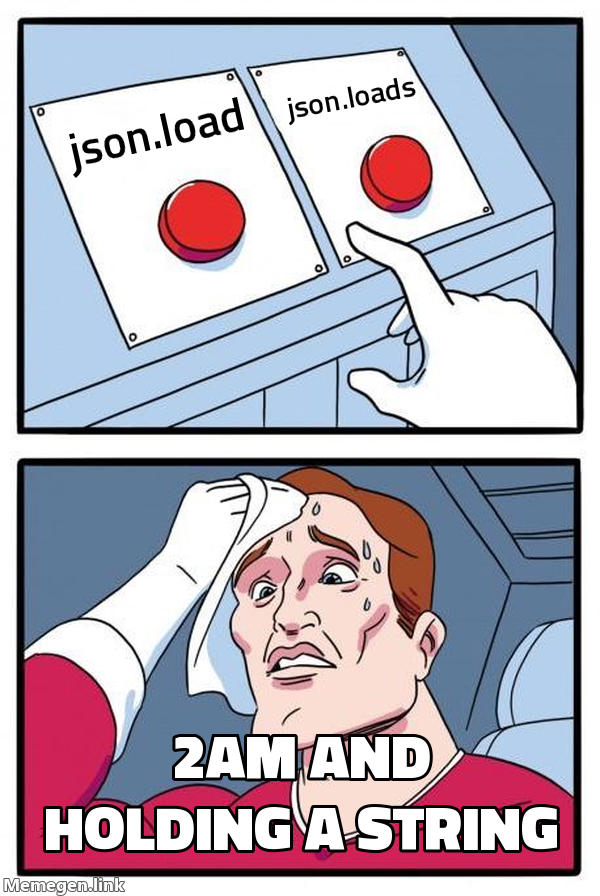
The s in loads and dumps means string; load and dump take open files.
Save and reload the tweets:
$ python handoff.py --stage jsonCompare handoff-output/tweets.json with the input: formatting changes, but values and types should survive. The driver should report three fields in the first record and a successful round trip. Explain why its separate integer-key example fails the equality check: JSON object keys are strings.
Settings for the Reader
Open presentation.yaml and find the report title and username setting. Implement yaml_to_obj with yaml.safe_load; plain load can construct Python objects from a document. Then implement norway_value, which parses country: no and returns that field’s value.

Bare no becomes False in PyYAML. The supplied config quotes "no" to preserve Norway’s country code as text. Check both cases:
$ python handoff.py --stage yamlThe display should begin Tweet handoff (country: no) and prefix each tweet with @username:. Change show_usernames to false, rerun, and restore it. The separate norway_value result should be False.
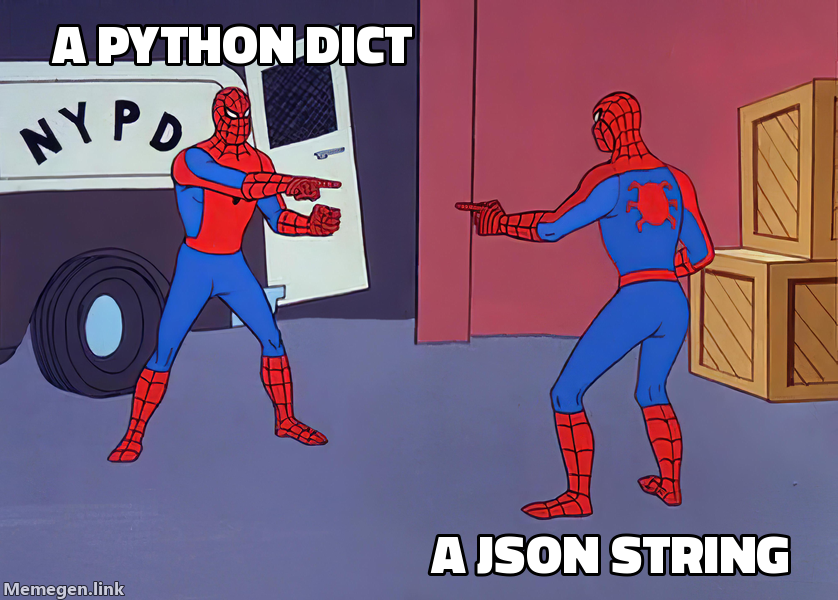
Meme:
yaml.safe_load('country: no')returns{'country': False}. YAML interpreted the name of a country as a Boolean.
The Same Settings in TOML
presentation.toml contains the same settings. Implement toml_get to parse a string and return the requested top-level value; a [section] creates a nested dict. The standard library’s tomllib reads TOML but does not write it.

Compare the display using TOML:
$ python handoff.py --stage tomlWith matching settings, it should match the YAML display. TOML requires quotes around strings: country = no is a parse error.
Records for the Spreadsheet
Complete the three CSV helpers using the reading’s CSV text example, which connects csv.DictReader and csv.DictWriter to strings through io.StringIO.
Export the tweets:
$ python handoff.py --stage csvInspect handoff-output/tweets.csv in an editor and, if available, a spreadsheet. Check that commas and newlines stay inside their cells. When the driver reloads the CSV, the first likes value becomes the string '2' rather than the integer 2. CSV has no built-in nested values or types; recovering the count requires an explicit conversion. Writing CSV also earns extra credit on Project 2.
Meme: Excel opens your gene-list CSV and helpfully rewrites the gene
SEPT2as a calendar date. The Norway problem has cousins in every corner of the type system.
Run the full handoff with either configuration file:
$ python handoff.py
$ python handoff.py --config toml
Both should export JSON and CSV and display the tweets with the selected settings.
A Larger Handoff
The docchat and agent projects exchange JSON with APIs. For datasets too large to load into memory, a database can select rows on disk; the next reading introduces SQL queries.
Submit
Rerun python -m doctest lab_formats.py and fix any failures. Commit and sync lab_formats.py, then submit your lab-formats repository and branch through Gradescope’s GitHub option. The first lab has the submission steps.
Grading Rubric
Gradescope checks each item separately and adds the points earned.
Total: 8 points.